About Dashboard
Introduction to the Axis Dashboard, prerequisites and various Dashboard actions.
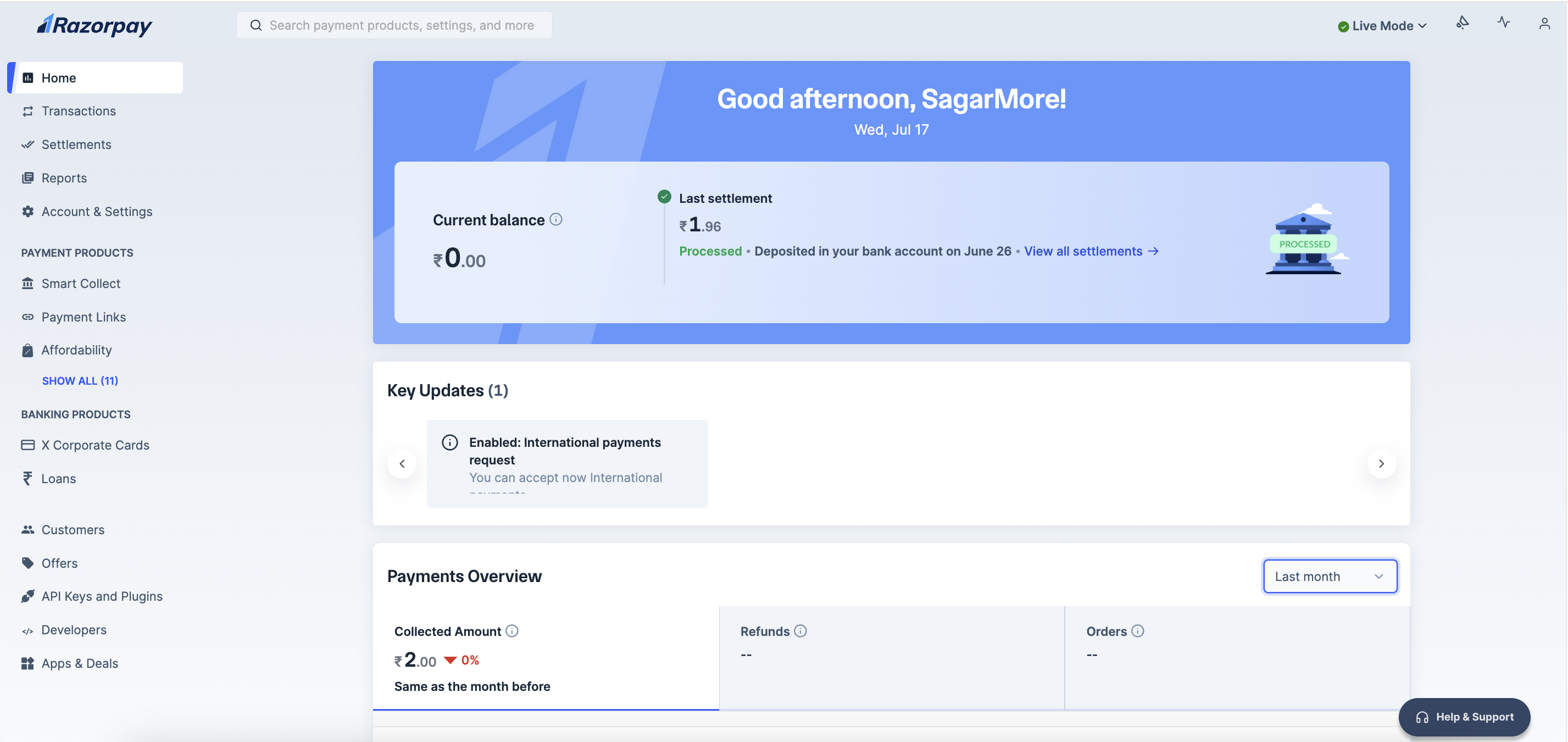
The Dashboard Home page serves as your central command center for managing payment operations on Razorpay. It provides a comprehensive overview of your account status, recent payment activity, key insights and personalised product recommendations to help you optimise your payment infrastructure.
The Dashboard offers a wide range of features, such as:
- Analytics and real-time charts that provide valuable insight into your business performance.
- List of recent activities that may require your action.
- Configure, operate, and manage your Payment Gateway (PG) account and other Razorpay products.
- An overview of recent payments, settlements and refunds.
Handy Tips
You must have an Axis Dashboard account to access the Dashboard.
The following information is shown on the Payments Dashboard Home page.
Your current account balance is displayed on the Dashboard. Payment Overview data provides an overview of the total collected amount in you current balance, total number of Refunds made and the total number of Orders created by your customers for the selected time range.
You can view detailed information about your account activities. This includes a wide range of analytics and real-time charts that provide insight into the performance of your business and help you take informed actions if necessary.
You can view the following information:
- Successful and failed payment count.
- Successful and failed refund count.
- Filter data to display it on a Daily, Weekly or Monthly basis.
- Group data by Payment Methods.
- Hover over the pie diagram to view the amount split for each payment method.
- Payment method split data displays the distribution of various payment methods for collected payments for the selected duration.
Following are the key tabs of the Payments Dashboard.
Given below are the actions supported for Settlements:
Given below are the actions supported for
:Given below are the actions supported for Customers: