Original vs Customized Checkout Section🔗
Given below is a comparison of the Checkout section before and after the fields are set as read-only.
Original Checkout Fields | Customized Read-only Checkout Fields |
|---|---|
 | 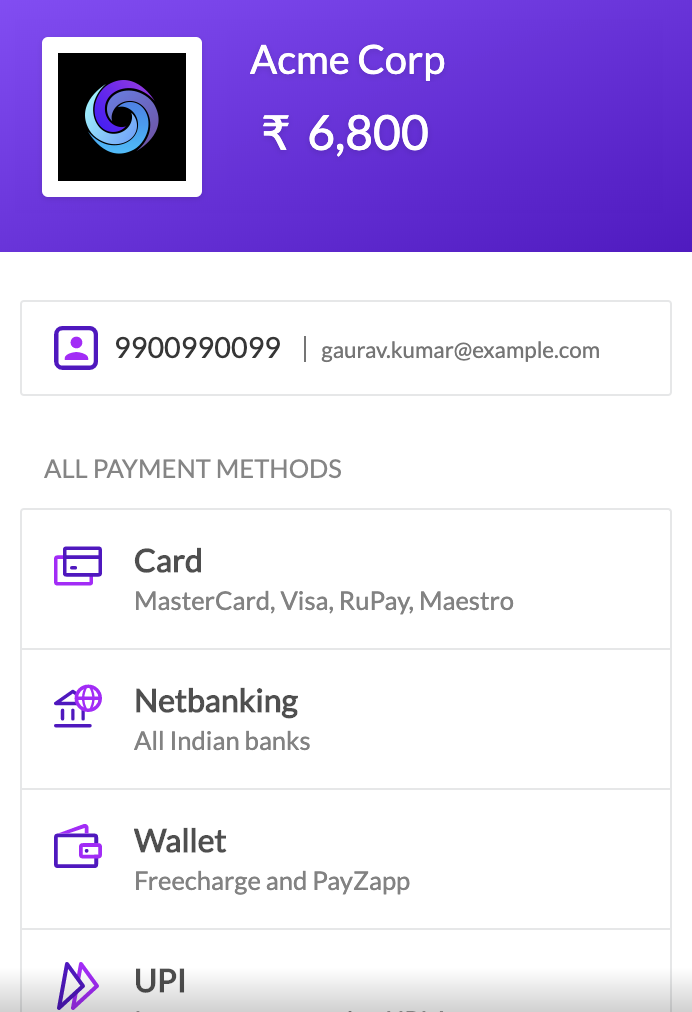 |
You can set Checkout fields such as contact and email as read-only. This prevents the customers from editing their contact numbers and email addresses on Checkout.
Given below is a comparison of the Checkout section before and after the fields are set as read-only.
Original Checkout Fields | Customized Read-only Checkout Fields |
|---|---|
| |
Here is a sample request and response using these parameters.
List of request parameters to be used with the Create Payment Link API to make contact and email fields non-editable.
options mandatoryarray Options to set contact and email as read-only fields on Checkout. Parent parameter under which the checkout and readonly child parameters must be passed.
checkout mandatoryarray The parameter for the Checkout section. readonly is its child parameter.
readonly.contact optionalboolean Used to set the contact field as readonly. When set to 1, customer will not be able to edit this field. When set to 0, the customer will be able to enter phone number. By default, this is set to 0.readonly.email optionalboolean Used to set the email field as readonly. When set to 1, customer will not be able to edit this field. When set to 0, the customer will be able to enter email address. By default, this is set to 0.