Close Customer Identifiers
Close a Customer Identifier using the Axis Dashboard.
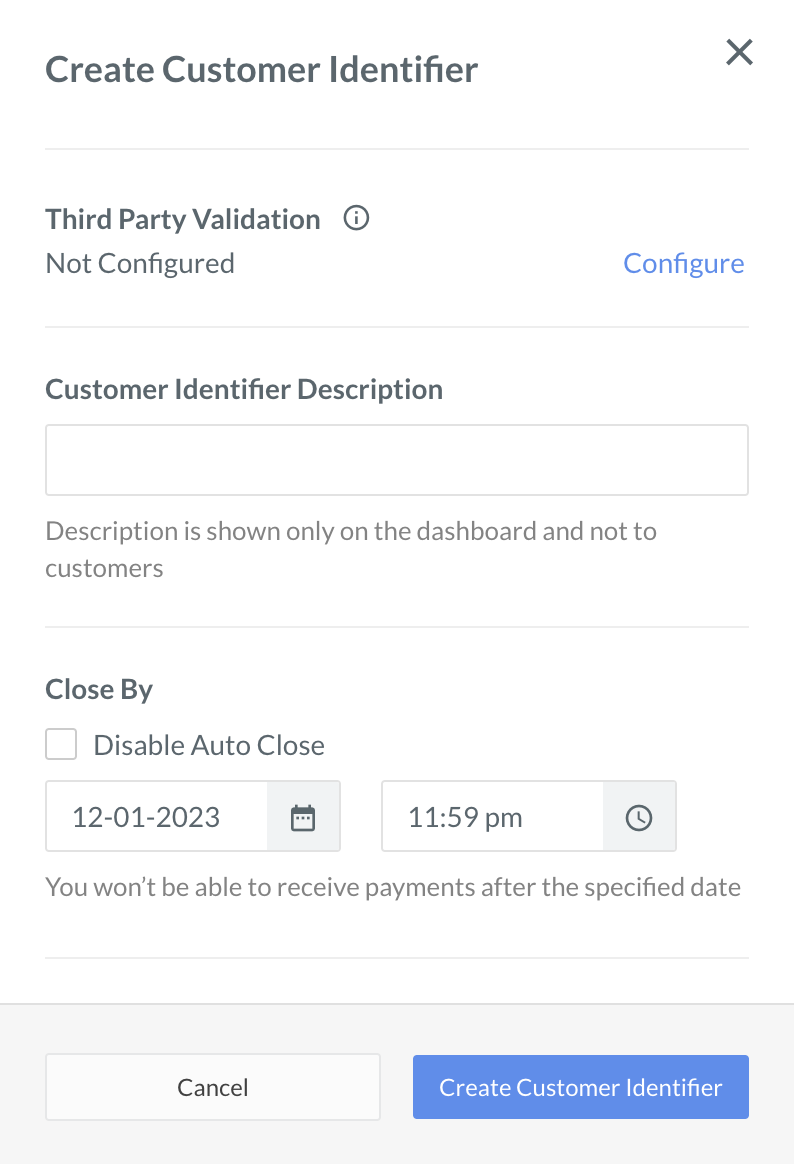
Customer Identifiers can be closed in two ways, automatically and manually.
To close Customer Identifiers automatically, specify a Close By date and time during
.
To close Customer Identifiers manually:
- Log in to the Dashboard and click Smart Collect.
- Select the Customer Identifier id you wish to close from the Customer Identifier list.
- In the right pane that appears, click Close Customer Identifier.
- A dialog box appears to confirm the closing. Click Yes.