Resend a Payment Link
Resend a Payment Link via email and SMS to a customer.
You can resend Payment Links in the Issued state to your customer.
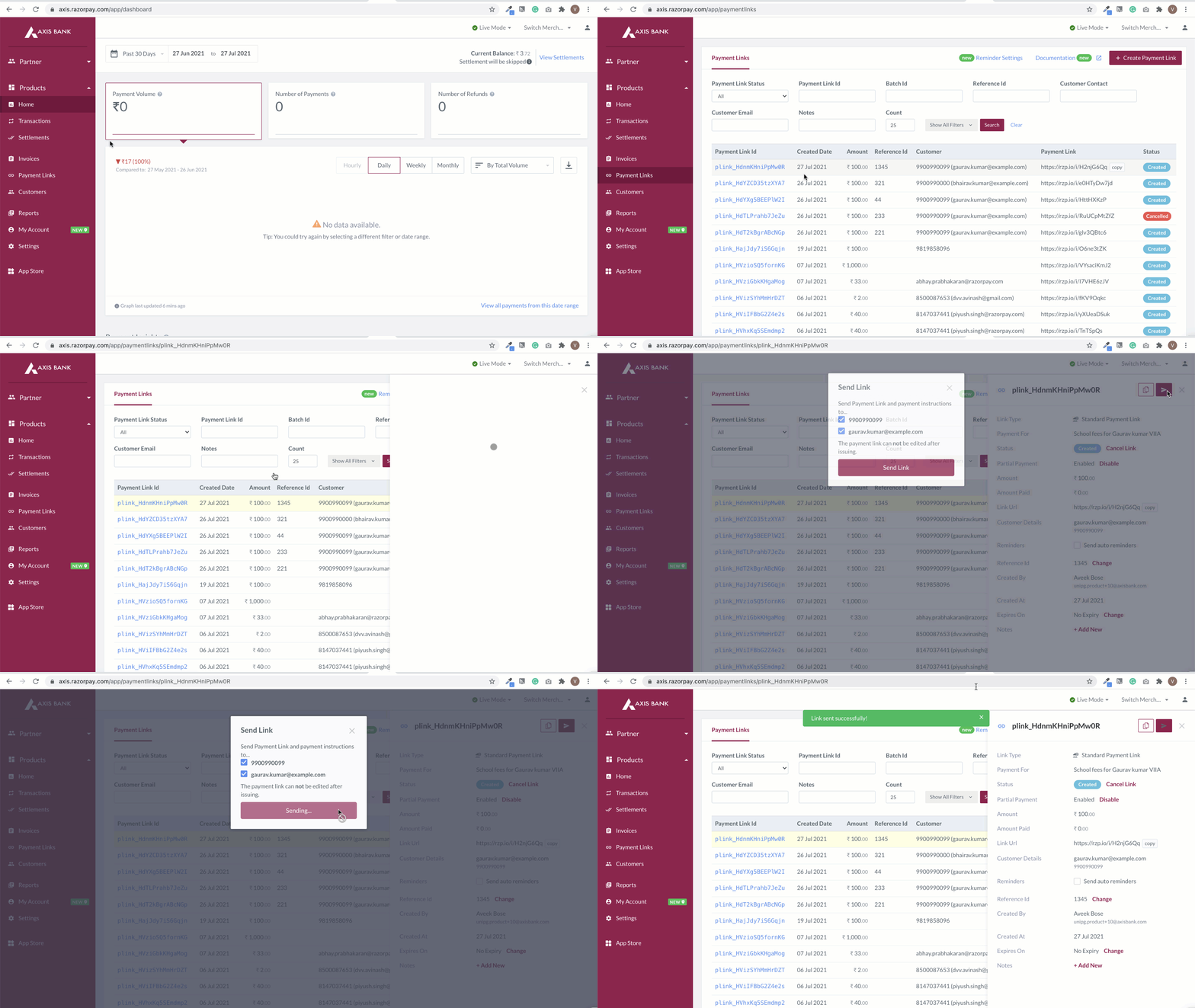
To resend a Payment Link:
- Log in to the Dashboard.
- Navigate to Payment Links.
- Select the Payment Link which you wish to resend. The details appear on the right-side pane.
- Click the resend icon.
- Select the modes (Email or SMS or both) in which you want to resend the Payment Link.
- Click Send Link.
You can resend a Payment Link in issued state using