Integrate Magic Checkout with ClickPost
Integrate ClickPost with Razorpay Magic Checkout to easily fetch delivery status details.
ClickPost is India's largest ecommerce shipping and courier integration platform. It operates as a multi-carrier integration system, a courier tracking system, and an overall logistics solution.
Follow these steps on the Razorpay Dashboard:
- Log in to the Dashboard and navigate to Magic Checkout.
- Select the platform of your e-commerce website, enter the relevant details and click Next.
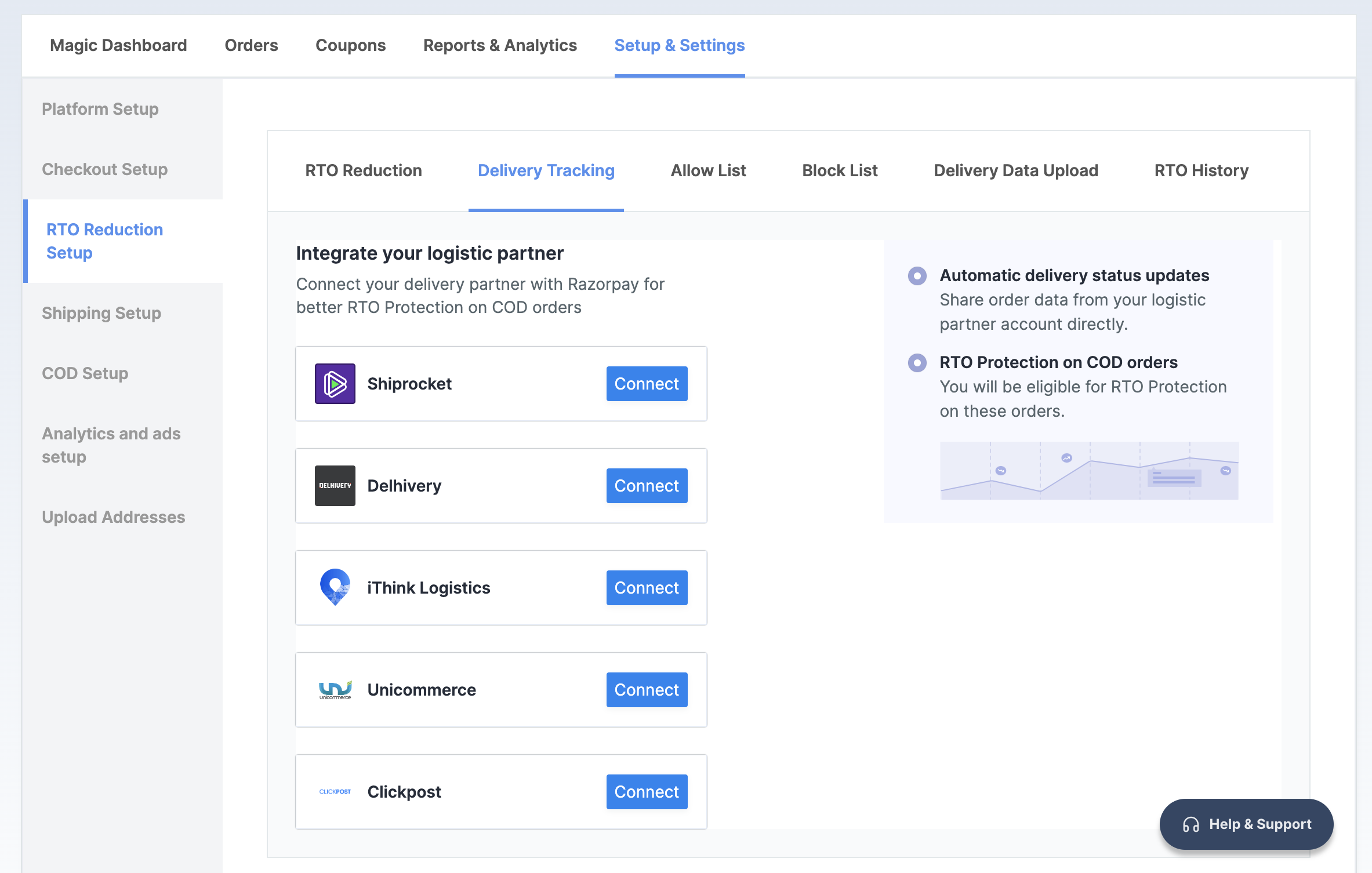
- In the RTO Reduction Setup section, navigate to the → Delivery Tracking tab.
- Click Connect next to ClickPost.
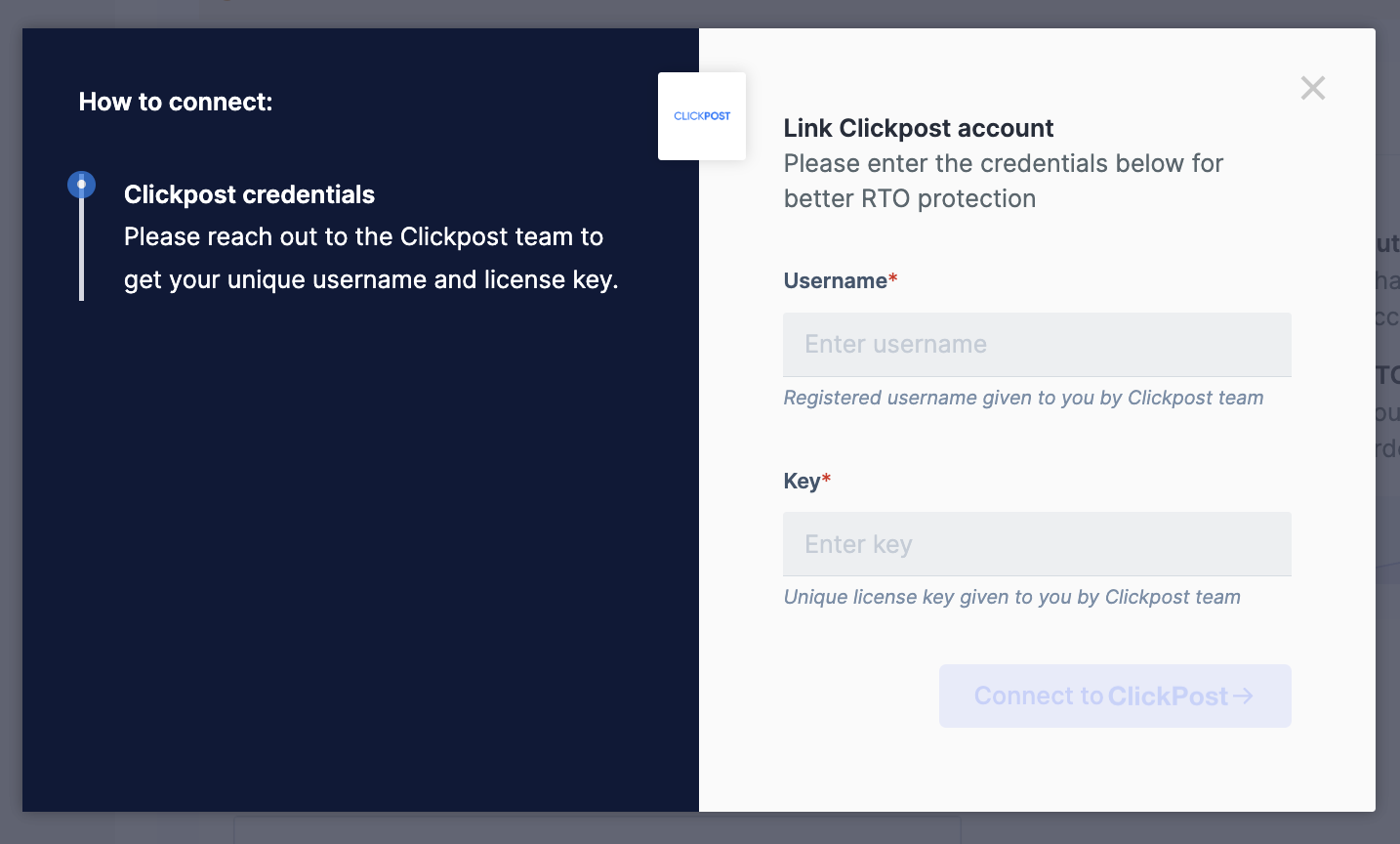
- Enter the same Username and Key as provided by ClickPost during the registration.
- Click Connect to ClickPost.
You have successfully integrated Magic Checkout with ClickPost. In case you want to disconnect ClickPost, click Disconnect.
ON THIS PAGE