Download and Print an Invoice
Download Invoices in PDF format and print them.
You can download an invoice in PDF format and print it.
To download an invoice as a PDF file or print it:
-
Log in to the Dashboard.
-
Click Invoices to open the list of invoices.
-
Copy the Payment Link ID of the invoice you want to download or print.
-
Paste it on the browser and open the invoice.
-
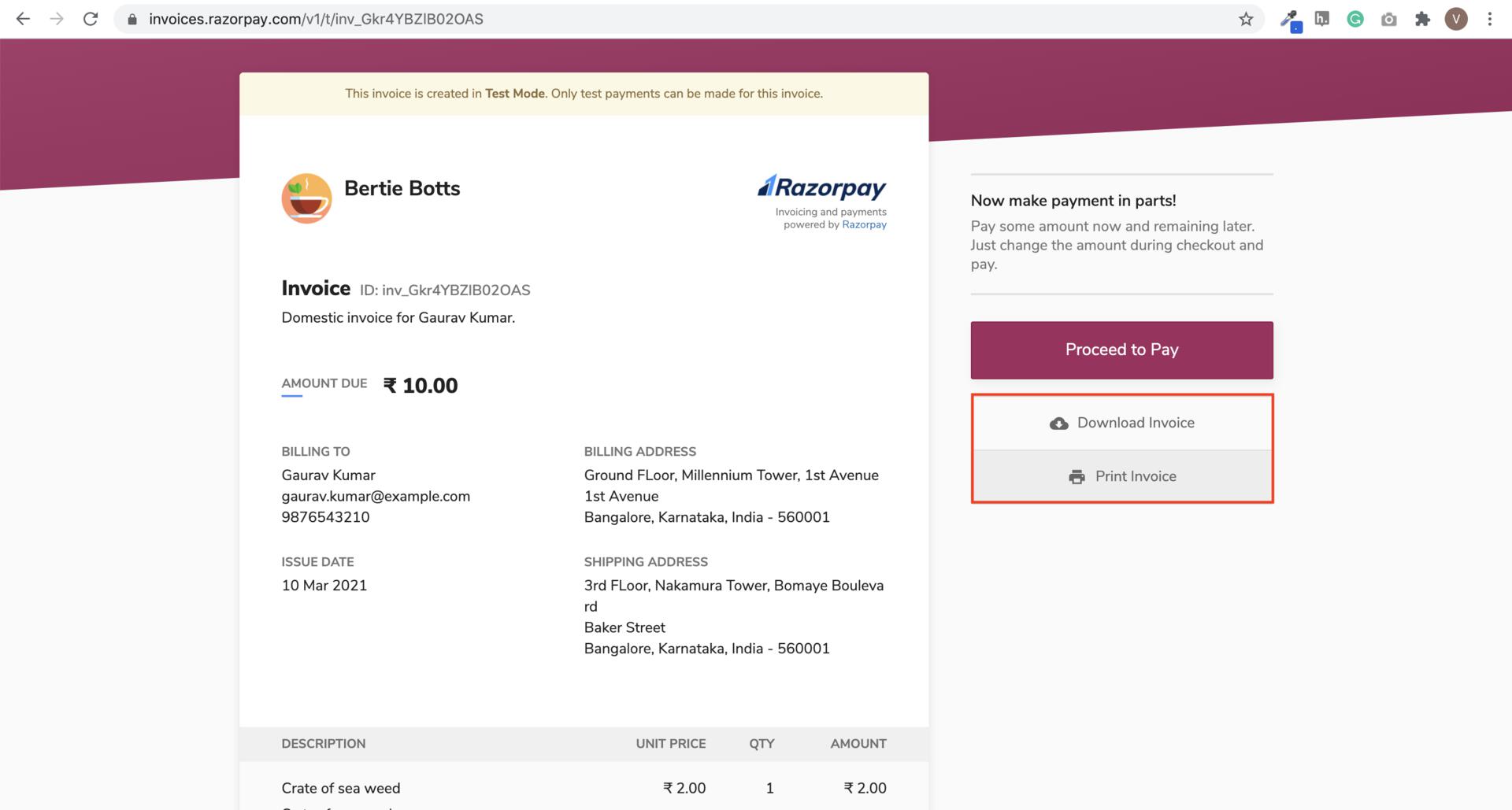
The invoice is displayed. Click the relevant button:
- Download Invoice: Downloads the invoice in PDF format.
- Print Invoice: Opens the printer settings. Click the printer icon and complete the process.
ON THIS PAGE