Original vs Customized Checkout🔗
Given below is a comparison of Checkout before and after Checkout UI theme changes.
Normal Checkout | Customized Checkout | |
|---|---|---|
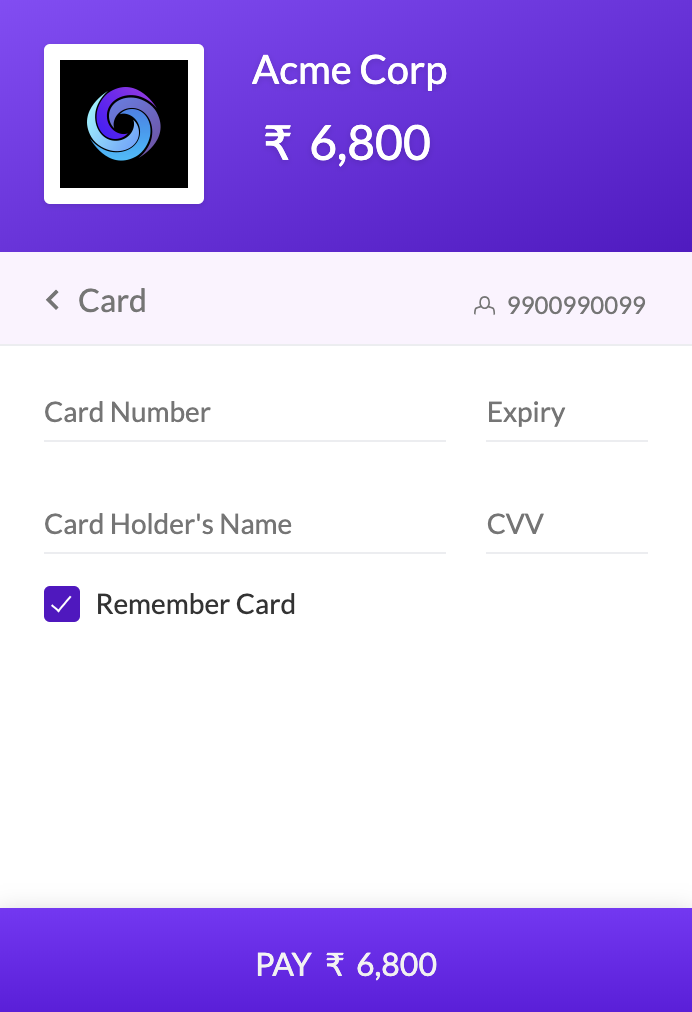 | 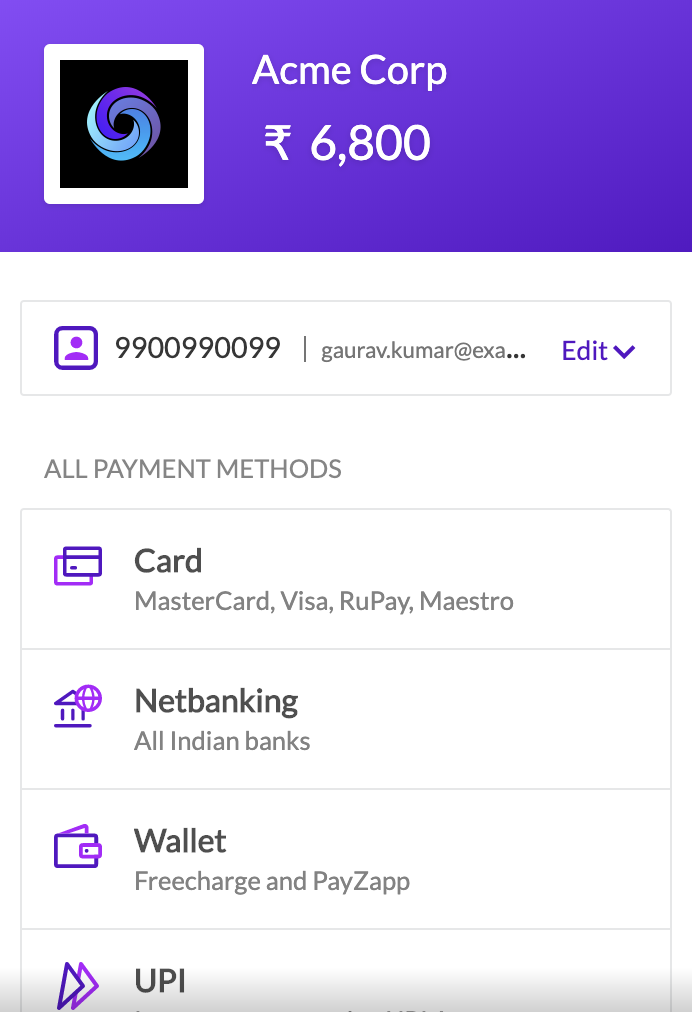 |
You can modify the top bar theme element of the Checkout UI on the payment request page to restrict customers from navigating to the initial screen of Checkout and selecting a different payment method.
Given below is a comparison of Checkout before and after Checkout UI theme changes.
Normal Checkout | Customized Checkout | |
|---|---|---|
| |
Here is a sample request and response using this parameter.
List of request parameters to be used with the Create Payment Link API to customize the Checkout UI theme element.
optionsarray Options to show or hide the top bar. Parent parameter under which the checkout and theme child parameters must be passed.
checkout mandatoryarray The parameter for the checkout section. theme is its child parameter.
theme.hide_topbar optionalboolean Used to display or hide the top bar on the Checkout. This bar shows the selected payment method, phone number and gives the customer the option to navigate to the initial Checkout screen and change the payment method. Possible values are: true - Hides the top bar false - Displays the top bar. Defaults to false.